
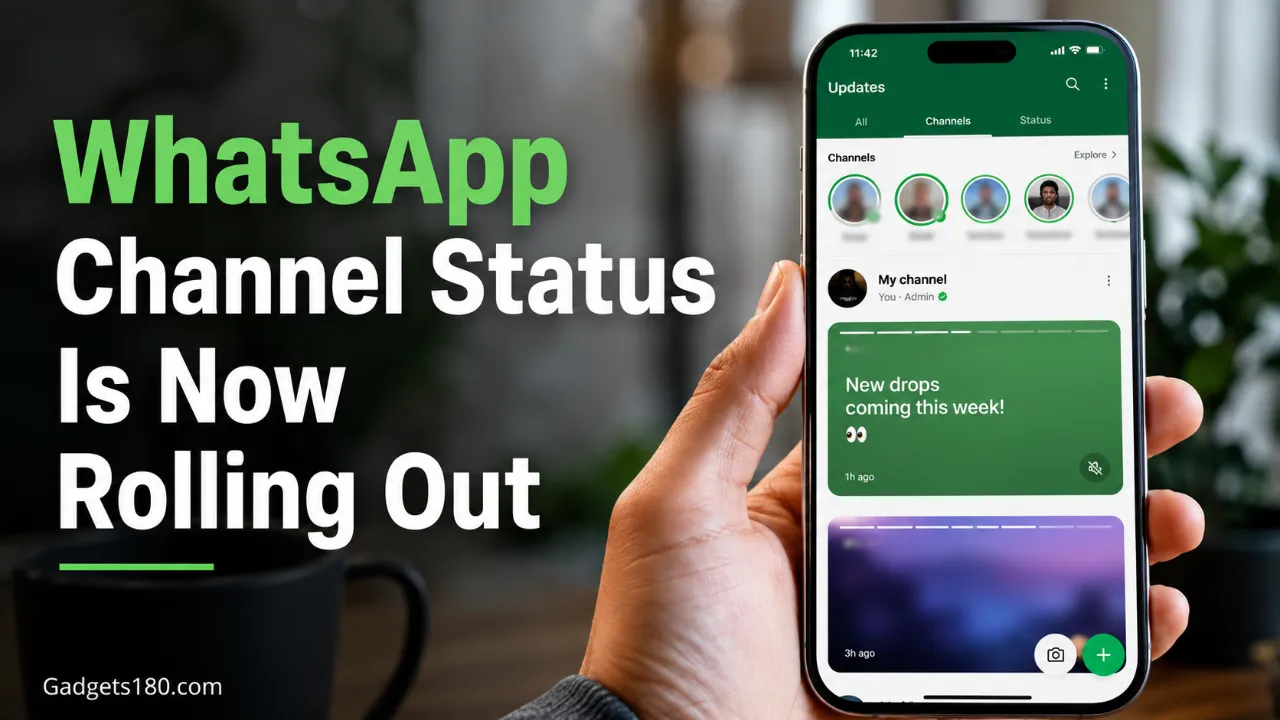
WhatsApp is rolling out a new feature called WhatsApp Channel Status, giving channel admins a new way to share temporary updates with followers. The feature lets admins post photos and videos directly from their channel interface, and those updates disappear after 24 hours.
The rollout is currently available to some users on iOS and Android, with wider availability expected over the next few weeks. Users need the latest WhatsApp update from the App Store or Google Play Store to check whether the feature is available on their account.
What Is WhatsApp Channel Status?
WhatsApp Channel Status is a new format that allows channel admins to share short-lived updates with their followers. Instead of posting a permanent channel update, admins can now publish temporary content that appears in the Status tray inside the Updates tab.
This makes the feature useful for quick announcements, limited-time updates, behind-the-scenes content, event reminders, breaking alerts, product teasers, or creator/community updates.
WhatsApp already says regular Status lets users share text, photo, video, and GIF updates that disappear after 24 hours. Channel Status now brings a similar temporary format to WhatsApp Channels.
How Channel Status Works
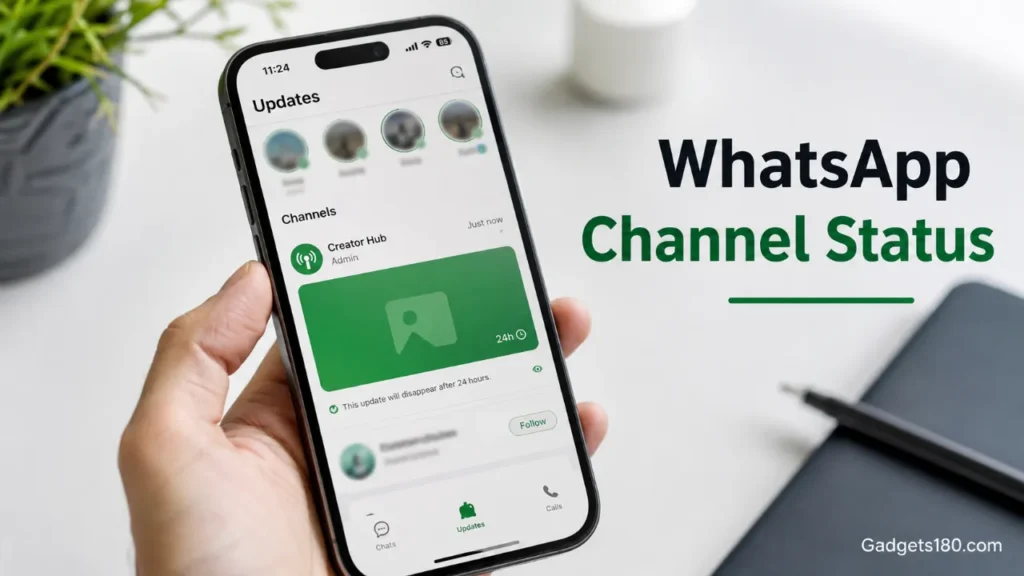
Channel admins can create a status directly from the channel screen. After tapping the status option, they can choose a photo or video, customize it with text, stickers, or other edits, add a caption, and then publish it to their channel followers.
Only one channel can be selected at a time when sharing a Channel Status. Once published, the update becomes visible to that channel’s followers and automatically disappears after 24 hours.
Where Users Will See Channel Status Updates
Channel Status updates appear in the Status tray inside WhatsApp’s Updates tab. That means users do not need to open every channel separately to see temporary updates from the channels they follow.
WhatsApp also adds a “Channel Status” label at the top of these updates so users can tell the difference between a normal status from a contact and a temporary status from a channel. Followers can react with a like or share the channel status to their own status.
Why This Update Matters
This update makes WhatsApp Channels more useful for creators, publishers, brands, influencers, businesses, and community admins. A permanent channel post may not be necessary for every small update. With Channel Status, admins can share time-sensitive content without keeping it on the channel forever.
Also read;
SIM Binding Rule Starts Soon: Big Change Coming for WhatsApp Users in India
WhatsApp beta for iOS 25.34.10.71: What’s New in This Update
WhatsApp Testing Username-Based Search and Calling for iPhone Users: Here’s What’s Changing
For example, a news publisher could share a breaking headline alert, a creator could post a quick behind-the-scenes update, a brand could share a limited-time offer, and a local community channel could post a short event reminder.
WhatsApp Channels are designed as a one-way broadcast feature where admins share updates with followers, while followers cannot reply directly to the channel or message admins.
Is WhatsApp Channel Status Available to Everyone?
No. WhatsApp Channel Status is not available to all users yet. According to WABetaInfo, the feature is available to some users who install the latest WhatsApp updates for iOS and Android. The rollout is gradual, so more users should receive it in the coming weeks.
That means some users may already see the option, while others may need to wait for a future update.
Final Takeaway
WhatsApp Channel Status gives admins a faster and more flexible way to share temporary updates with followers. Since these updates disappear after 24 hours and appear in the familiar Status tray, the feature could make WhatsApp Channels feel more active and easier to follow.
For users, it means more timely updates from the channels they already follow. For admins, it creates a new way to share quick content without turning every update into a permanent channel post.
FAQ
What is WhatsApp Channel Status?
WhatsApp Channel Status is a feature that lets channel admins share temporary photo and video updates with followers. These updates disappear after 24 hours.
Is WhatsApp Channel Status available on iPhone and Android?
Yes, it is rolling out to some users on both iOS and Android through the latest WhatsApp updates. It is not available to everyone yet.
Where do Channel Status updates appear?
They appear in the Status tray inside the Updates tab, alongside other status updates. Only updates from channels a user follows will appear there.
Can followers reply to WhatsApp Channel Status?
Followers can react with a like and share the update to their own status. WhatsApp Channels are still mainly a one-way broadcast feature, so followers cannot directly message channel admins through the channel.
How long does a WhatsApp Channel Status last?
A WhatsApp Channel Status disappears after 24 hours.
