
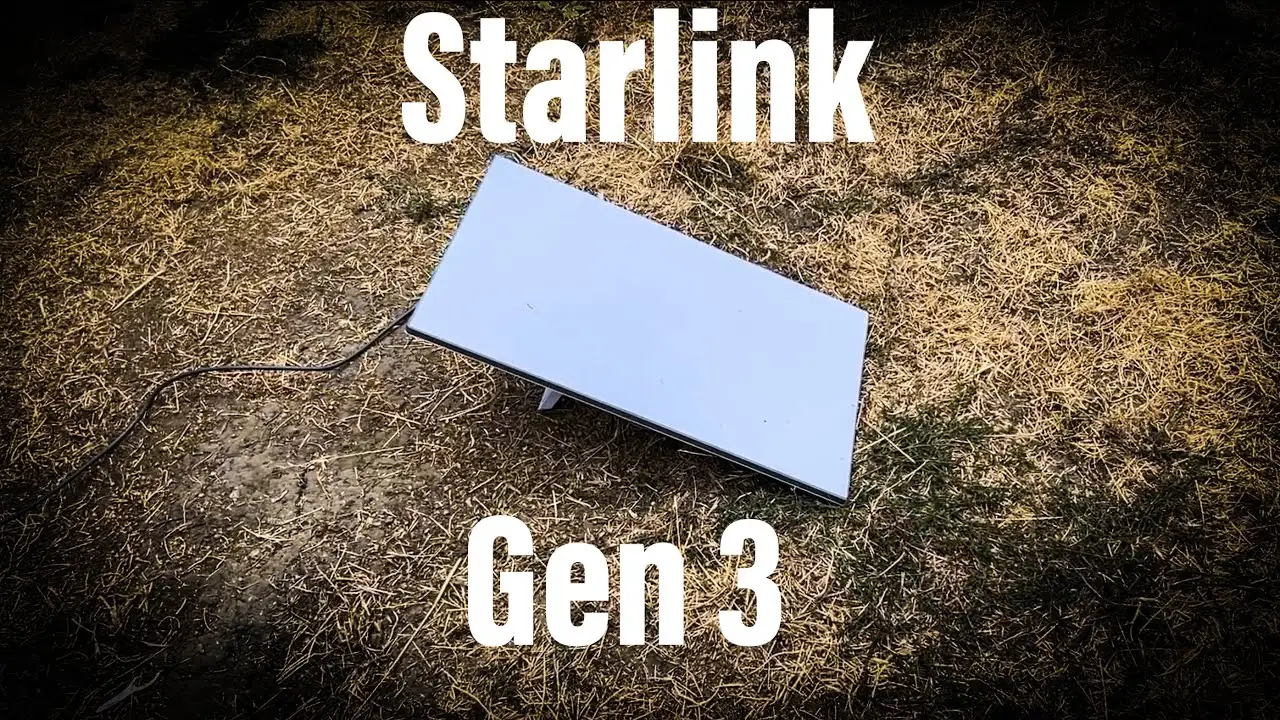
Starlink Gen 3 is a satellite internet system from SpaceX. It is made for places where normal broadband is slow or not available. For people who work from villages, farms, mountains, cabins, or remote areas, Starlink Gen 3 can be a very useful option. It gives internet through satellites in space, so users do not need cable or fiber lines.
Remote working needs stable internet for video calls, emails, cloud files, and team communication. Starlink Gen 3 is designed to give better speed, stronger Wi-Fi, and easier setup than older versions. It can help freelancers, business owners, and employees work from almost anywhere with a clear view of the sky.
What Comes in the Box

The Starlink Gen 3 kit usually includes:
- Satellite dish
- Wi-Fi router
- Power cable
- Dish cable
- Base stand
- Setup guide
The hardware is designed for simple self-installation. Most users can start it without needing a technician.
Choosing the Best Location
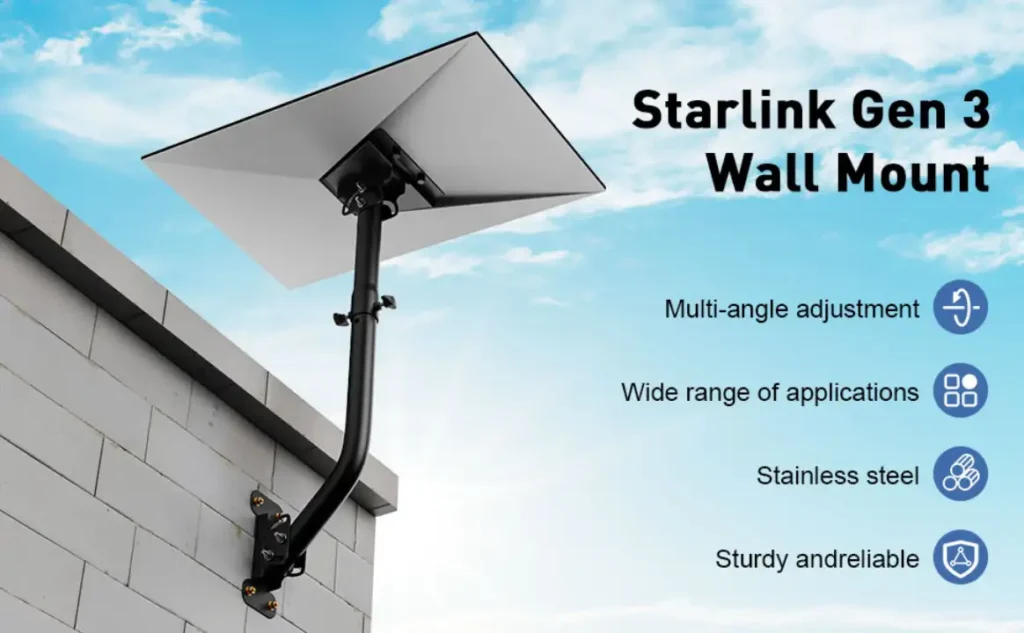
Before setup, choose an open place with a clear sky view. Trees, walls, poles, or buildings can block the signal. A rooftop, open terrace, balcony, or pole mount is often best.
For remote working, signal stability is important. If the dish has obstructions, video calls may freeze or disconnect. Try to place it where the sky is open in many directions.
How to Set Up Starlink Gen 3
First, place the dish on the stand or mount. Connect the dish cable to the router and connect the router to power. Once powered on, the dish will move and align itself automatically.
Next, download the Starlink app on your phone. The app helps users check sky visibility, complete setup, and manage the network. Follow the instructions shown in the app.
Create a Wi-Fi name and password. Then connect your laptop, phone, or office devices to the network. After setup, the system usually updates automatically.
Internet Speed for Work
Starlink Gen 3 can offer good speed for remote work. Actual speed depends on location, weather, and network traffic. Many users get enough speed for:
- HD video meetings
- Sending large files
- Cloud work tools
- Streaming training videos
- Running multiple devices
Latency is usually lower than traditional satellite internet, which helps with live meetings and calls.
Best Home Office Setup
For better remote work performance, place the Wi-Fi router in a central room. If your house is large, you may need mesh Wi-Fi or an extra router. Keep the router away from thick walls and metal objects.
Use a wired Ethernet connection for your main computer if possible. This can improve stability for important meetings. Also keep charging cables, webcam, headset, and backup devices ready.
Power Backup Is Important
Remote areas may have power cuts. If electricity goes out, Starlink will stop working unless you have backup power. A UPS or inverter can keep the router and dish running during short outages.
For full-day remote work, many users combine Starlink with solar power or battery backup systems.
Weather and Maintenance
Heavy rain or storms can reduce speed for some time. Keep the dish clean from dust, leaves, and snow if needed. Check cables regularly to make sure they are secure and not damaged.
The app can also show system health and help troubleshoot problems.
Cost Considerations
Starlink usually requires one-time hardware cost and monthly subscription charges. Prices depend on country and plan type. For remote workers, the value often comes from reliable internet where other services are weak.
Is It Good for Remote Working?
Yes, Starlink Gen 3 can be a strong option for remote working, especially in places with poor broadband coverage. It allows users to join meetings, upload work, and stay connected from remote locations.
Conclusion
Starlink Gen 3 is a smart internet solution for remote workers who need reliable connectivity outside cities. With simple setup, strong speeds, and wide coverage, it can turn many remote places into productive workspaces. If cable internet is not available, Starlink Gen 3 may be one of the best options for working from anywhere.