
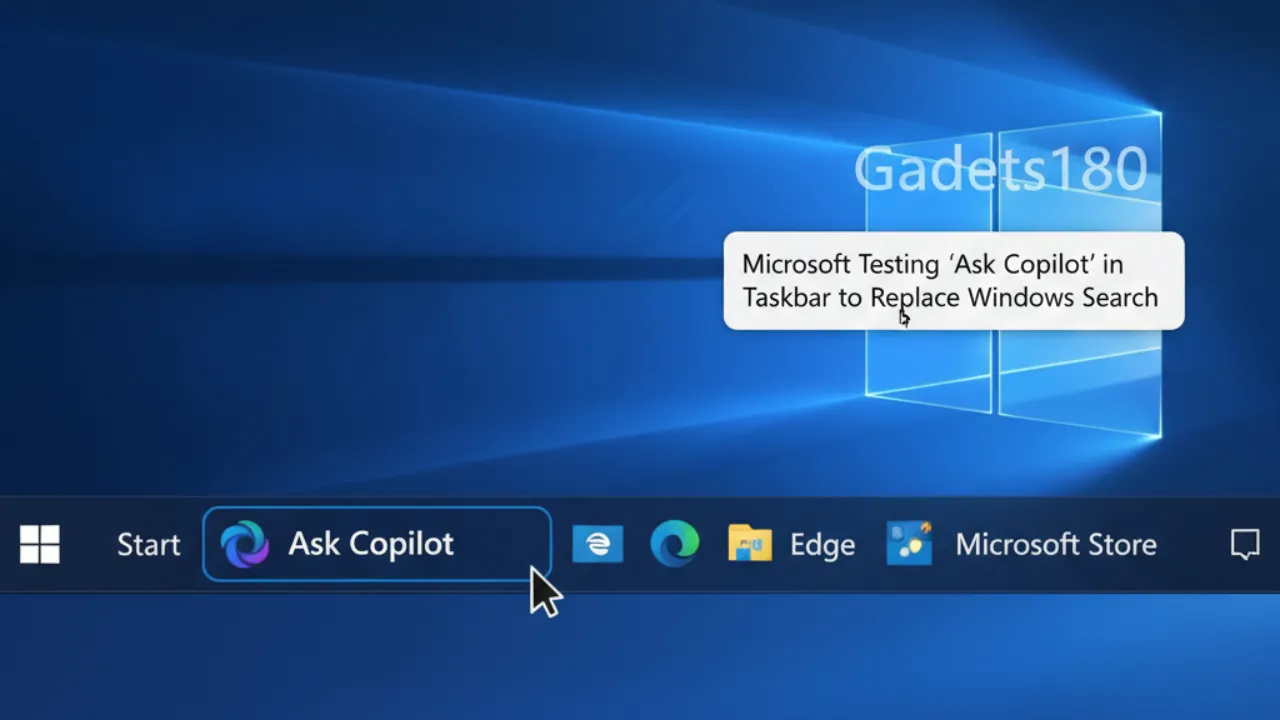
Microsoft Testing ‘Ask Copilot’: Microsoft is bringing AI deeper into Windows with the introduction of Ask Copilot, a new feature designed to replace the traditional Windows Search on the taskbar. Currently rolling out to Windows Insiders in the Dev and Beta Channels with Preview Build 26220.7051 (KB5067115), Ask Copilot aims to transform the taskbar into a “dynamic hub” that blends Copilot Voice, Copilot Vision, and Windows Search into a unified experience.

What Is Ask Copilot?
Ask Copilot represents Microsoft’s next step toward an agentic OS, where the operating system proactively assists users. It’s essentially Windows Search + Copilot, providing traditional search functions enhanced by natural language understanding.
When you type in the new “Ask Copilot” bar, Windows still uses its existing APIs to fetch local apps, files, and system settings — ensuring Copilot doesn’t access personal files. Meanwhile, the AI layer interprets intent more naturally, helping users perform tasks faster and more intuitively.
New UI and Experience
A click on the “Ask Copilot anything” bar opens a floating search window featuring a text field, the Copilot icon, and buttons for Vision and Voice. The UI is minimal, smooth, and visually appealing — smaller than the old Search box and faster to open.
However, the feature is still under development. While Copilot Vision and Voice buttons appear on the taskbar, clicking them currently redirects users to the Copilot app instead of launching the tools directly.
Functionality and Search Behavior
Ask Copilot can locate apps, files, and system settings just like Windows Search. It uses the same SearchIndexer service to maintain a database of searchable content, ensuring that AI search remains private and local.
Users can also make natural language queries (like “Turn on dark mode”). If Copilot recognizes the command, it opens the relevant settings page, though it doesn’t yet execute the action automatically.
Copilot Vision and Voice
Microsoft is betting big on Copilot Vision and Copilot Voice as the future of PC interaction. The features will eventually let users talk to or show their PC what to do — directly from the taskbar.
In Microsoft’s demos, a user editing a PowerPoint file could invoke Copilot Vision to get contextual assistance, or use Ask Copilot to open the file by name. A File Upload option was also teased but is missing in the current preview build.
Ask Copilot Is Optional
By default, Ask Copilot is turned off. Users can enable it via
Settings → Personalization → Taskbar → Ask Copilot.
Toggling it on replaces Windows Search on the taskbar, and you can switch back anytime.
Windows Search Isn’t Going Away — Yet
Despite Ask Copilot’s debut, the Start Menu search bar still uses the classic Windows Search interface. This suggests that Microsoft is testing Ask Copilot as a parallel feature before making it default in future builds.
Looking Ahead
Ask Copilot is part of Microsoft’s broader vision to make Copilot a natural part of everyday PC use. The feature is still in early testing, and both Copilot Vision and Voice remain non-functional for now. Once fully rolled out, Microsoft may shift some AI processing on-device for Copilot+ PCs, reducing cloud dependency and latency.
Comments on “Microsoft Testing ‘Ask Copilot’ in Taskbar to Replace Windows Search”