
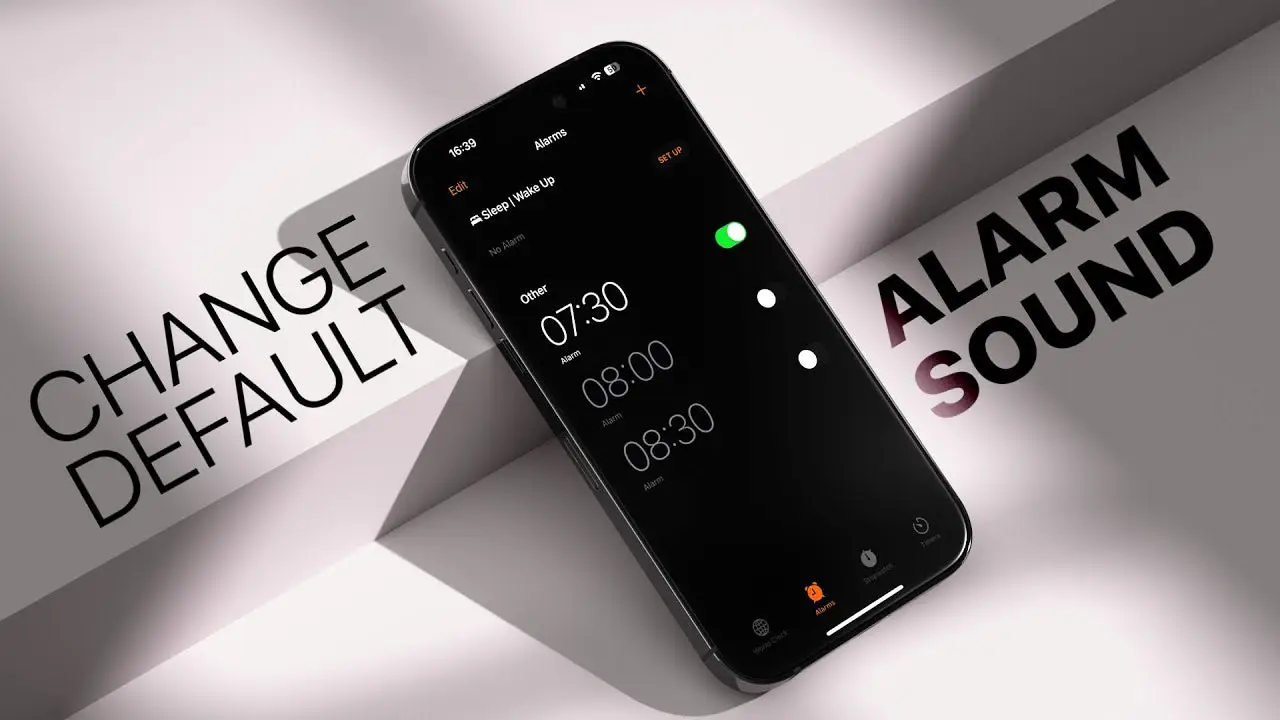
The iPhone alarm is more than just a basic wake-up tool—it’s a powerful feature designed to help you manage your daily routine efficiently. Whether you need to wake up early, set reminders for tasks, or maintain a consistent sleep schedule, the built-in alarm system offers flexibility and ease of use. In this blog, we’ll explore how to use it effectively, along with tips to improve your productivity and sleep habits.
Table of Contents
Setting Up an Alarm
Setting an alarm on an iPhone is simple and quick. You can open the Clock app and navigate to the Alarm tab, where you can create a new alarm with your preferred time. You also have options to customize repetition, label, and sound. This allows you to tailor each alarm based on your daily needs—whether it’s for weekdays, weekends, or specific events.
The ability to set multiple alarms is especially helpful for people with busy schedules. For instance, you can create different alarms for waking up, workouts, meetings, or even reminders to take breaks.
Customization Features
One of the standout aspects of the iPhone alarm is its customization options. Users can choose from a wide range of tones or even select songs from their music library. This makes waking up a more pleasant experience compared to traditional alarm sounds.
You can also enable the snooze feature, which gives you a few extra minutes of rest before the alarm rings again. Labels can be added to each alarm, making it easier to identify their purpose at a glance.
Sleep Schedule Integration
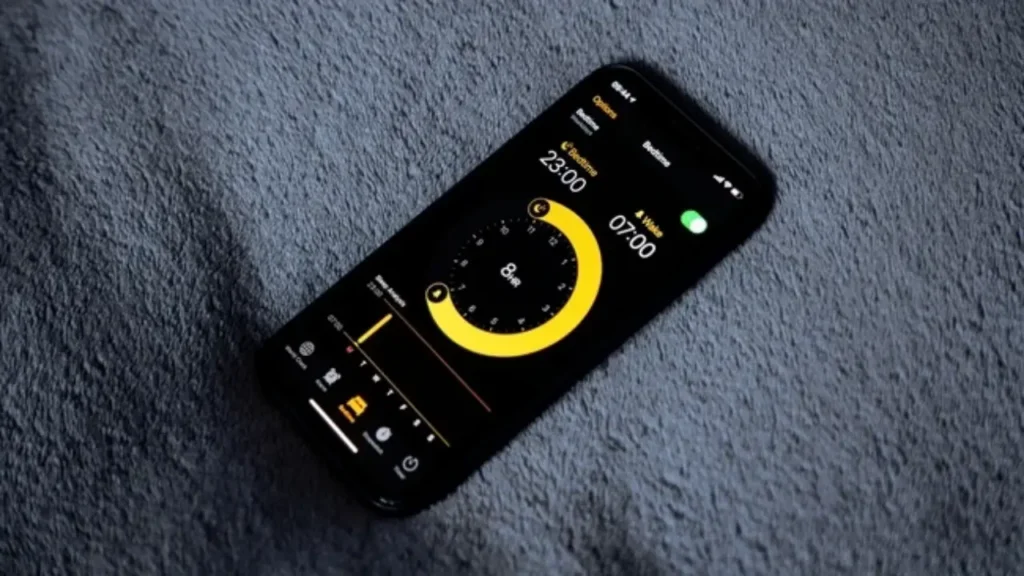
The iPhone alarm works seamlessly with the Sleep Schedule feature. This tool helps you maintain a consistent sleep routine by setting both bedtime and wake-up times. It also provides reminders when it’s time to wind down, encouraging better sleep habits.
By using this feature regularly, users can improve their overall health and productivity. A consistent sleep cycle can lead to better focus, improved mood, and increased energy levels throughout the day.
Tips for Effective Use
To get the most out of your iPhone alarm, it’s important to use it strategically. Avoid setting too many alarms in the morning, as this can disrupt your sleep pattern. Instead, try to rely on a single alarm and place your phone slightly away from your bed to encourage getting up immediately.
Choosing a sound that gradually increases in volume can make waking up less stressful. Additionally, setting alarms with clear labels can help you stay organized and ensure you don’t miss important tasks.
Common Issues and Fixes
Sometimes, users may face issues where the alarm doesn’t ring. This can happen due to muted volume, incorrect settings, or software glitches. Ensuring that your volume is set properly and your device is updated can help avoid such problems.
Another common issue is accidentally turning off alarms. Double-checking your settings before sleeping can prevent missed wake-ups and ensure reliability.
Why It Stands Out
The iPhone alarm stands out because of its simplicity combined with advanced features. It integrates well with other system tools, making it more than just a basic alarm. Its user-friendly interface ensures that even beginners can use it without any difficulty.
The ability to sync with your daily routine and provide a personalized experience makes it a valuable tool for anyone looking to improve time management.
Conclusion
The iPhone alarm is a versatile and reliable feature that goes beyond waking you up. With its customization options, sleep integration, and ease of use, it helps users stay organized and maintain healthy habits. By using it wisely and exploring its features, you can turn a simple alarm into a powerful productivity tool.
Also Read: iphone-ultra