
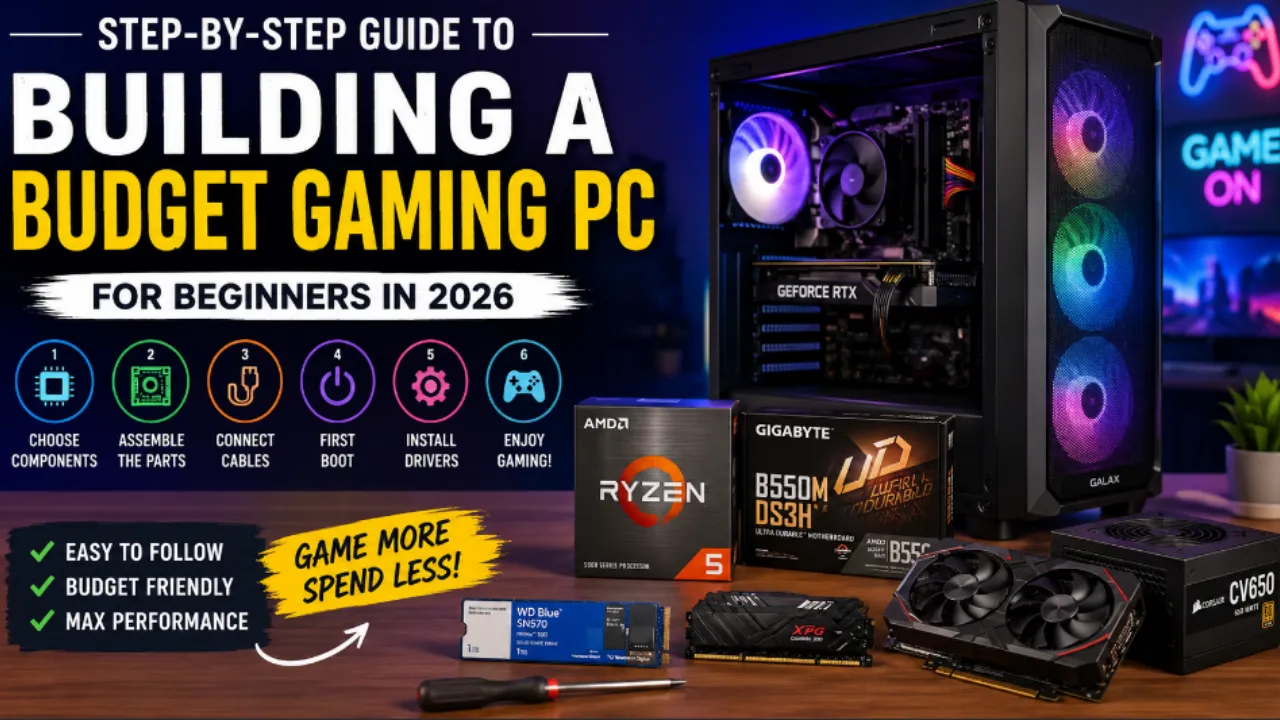
Gaming PC Sounds Intresting And Cool and It is for real so lets see Step by Step Guide to Building a Gaming PC Follow this step-by-step guide to building a budget gaming PC in 2026 with affordable components, setup tips, and performance advice for beginners. Building your own gaming computer may sound difficult at first, but it is actually easier than many people think. With the right planning and affordable components, anyone can create a powerful setup without spending too much money. This step by step guide to building a budget gaming PC is designed for beginners who want smooth gaming performance at a reasonable cost.
Table of Contents
Why Build a Budget Gaming PC
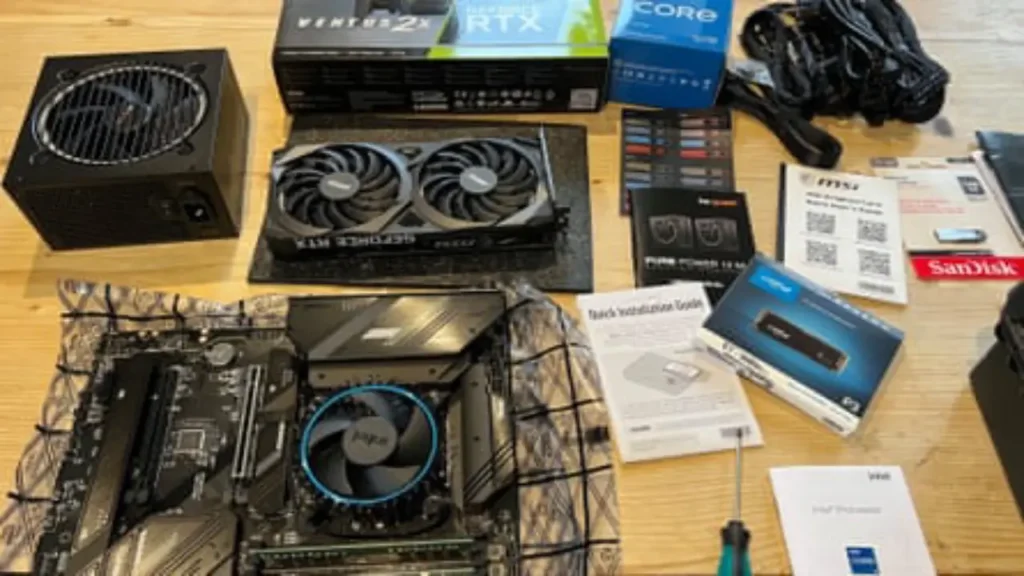
One of the biggest advantages of following a step by step guide to building a budget gaming PC is cost savings. Pre-built gaming systems often include extra charges for assembly and branding. Building your own PC allows you to focus your money on the parts that matter most. Another benefit is flexibility. You can upgrade your graphics card, storage, or memory later without replacing the entire system. For beginners, building a PC is also a great learning experience that helps you understand how computers work.
Also Read ;
Star Fox Switch 2 Release Date REVEALED: Price, Gameplay, Features & Biggest Upgrades
Best Smartphones with 200MP Camera in 2026
Best Wireless Earbuds for Running and Gym in 2026
Sony PlayStation Plus 2026- All Three Plans Explained, Pricing, Games and Which One Is Worth It
Steps To Follow For Building a Budget Gaming PC
Step 1: Decide Your Budget
The first step in this step by step guide to building a budget gaming PC is setting a realistic budget. For entry-level gaming in 2026, a budget between $600 and $900 (₹50,000 to ₹75,000 approx) is enough for good 1080p gaming performance. Your budget will determine the type of processor, graphics card, and storage you can afford.
Step 2: Choose the Right Processor
The processor, also called the CPU, is one of the most important components in your gaming PC. Budget-friendly processors from AMD Ryzen and Intel Core series offer excellent gaming performance today. For most beginners, a mid-range processor is more than enough. Choosing a balanced CPU helps avoid performance bottlenecks during gaming.
Step 3: Select a Graphics Card
A graphics card is the heart of any gaming PC. In this step by step guide to building a budget gaming PC, the GPU should receive a large part of your budget. Modern entry-level graphics cards can handle most games smoothly at 1080p resolution. If your budget is tight, choosing a previous-generation GPU can save money while still offering good performance.
Step 4: Pick a Compatible Motherboard
The motherboard connects all your components together. Make sure it supports your chosen processor and has enough ports for future upgrades. A budget motherboard with basic features is usually enough for most gaming builds. There is no need to spend extra on advanced features if you only want a gaming-focused setup.
Step 5: Install RAM
Memory, or RAM, helps your system run games and applications smoothly. For modern gaming, 16GB RAM is considered the ideal starting point. It offers better multitasking and stable gaming performance. In this step by step guide to building a budget gaming PC, avoiding very low RAM capacity is important because newer games require more memory.
Step 6: Choose Fast Storage
Storage affects loading times and overall system speed. Solid State Drives (SSDs) are much faster than traditional hard drives. Even a budget gaming PC should include at least a 500GB SSD for better performance. You can always add more storage later if needed.
Step 7: Buy a Reliable Power Supply
The power supply unit, or PSU, provides electricity to all components. Many beginners ignore this part, but choosing a reliable PSU is very important. A poor-quality power supply can cause system instability and hardware issues. A 550W or 650W PSU is enough for most budget gaming builds.
Step 8: Select a Good PC Case
The PC case protects your components and helps with airflow. A budget-friendly case with proper ventilation is usually enough. Good airflow keeps temperatures under control during long gaming sessions. Some users also choose cases based on design and RGB lighting, but these features are optional.
Step 9: Assemble the Components
This is the most exciting part of the step by step guide to building a budget gaming PC. Start by installing the processor on the motherboard. Then add the RAM, storage, and graphics card. Carefully connect all cables and place the components inside the case. Take your time during assembly and follow the motherboard manual properly.
Step 10: Install the Operating System
Once the hardware is ready, install an operating system like Windows. After installation, download drivers for your graphics card and motherboard. Updated drivers improve gaming performance and system stability.
- You can now install games and start using your gaming PC.
Tips to Save Money While Building
This step by step guide to building a budget gaming PC becomes even more useful when you know how to reduce costs.
Buying components during sales can save a lot of money. You can also consider previous-generation hardware for better value.
Avoid overspending on unnecessary accessories in the beginning. Focus more on performance-related components.
Common Mistakes Beginners Should Avoid
Many beginners make the mistake of choosing incompatible parts. Always check compatibility before buying. Another common issue is spending too much on appearance instead of performance. Expensive RGB lighting is not necessary for good gaming. Cable management is also important. Organizing cables improves airflow and makes future upgrades easier.
Final Thoughts
This step by step guide to building a budget gaming PC shows that creating a gaming setup does not need to be expensive or complicated. By choosing balanced components and planning carefully, beginners can build a reliable gaming PC that handles modern games smoothly. The best part is that you can upgrade your system over time instead of replacing everything at once. With the right choices, you can enjoy strong gaming performance at a minimal price.
Is building a gaming PC cheaper than buying a pre-built PC?
Yes, building your own gaming PC is usually cheaper because you only pay for the components you need. Pre-built systems often include extra costs for assembly and branding.
How much money is needed for a budget gaming PC in 2026?
A budget gaming PC in 2026 can be built for around $600 to $900 (₹50,000 to ₹75,000 approx), depending on the components and gaming performance you want.
What is the most important part of a gaming PC?
The graphics card is considered the most important part for gaming because it handles visual performance and frame rates in games.
Is 16GB RAM enough for gaming in 2026?
Yes, 16GB RAM is enough for most modern games and provides smooth multitasking and stable gaming performance.
Can beginners build a gaming PC easily?
Yes, beginners can build a gaming PC by following a proper step-by-step guide and checking component compatibility carefully.