
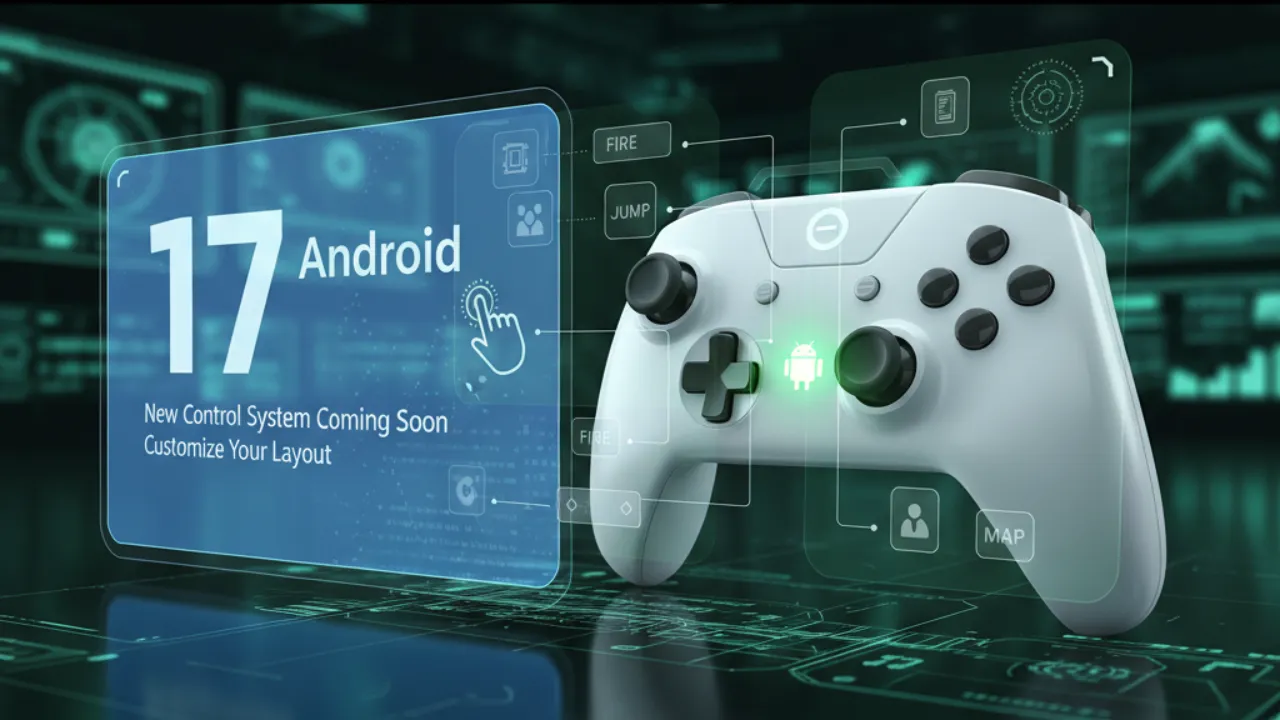
You will soon see a new change in Android 17, and this one is going to help gamers a lot. After this update, you will be able to change your controller buttons in your own way. For now, this feature is still under testing, but the signs clearly show that Android is getting ready to give more power to mobile gamers.
Also read
Private AI Compute: Google’s Next Big Step to Make AI Safe and Truly Private
New Control System Coming Soon
So far, your Android phone has only used the default button layout for USB and Bluetooth controllers. But many gamers don’t like this fixed setup because every game needs a different style. Along with this, some people face problems with hand comfort and want their special button placement.
With Android 17, a new controller remapping option is coming. The system will support a new permission for remapping and a hardware flag that lets apps offer these settings. There is also a small hint that a virtual gamepad mode may also come, where your phone can treat a software controller like a real one.
Also read
Pokémon Go Wild Area 2025: Full Schedule, Spawns, and Ticket Bonuses Explained
Xbox Cloud Gaming Arrives on Fire TV Sticks: Play Big Games Without a Console
Why Gamers Will Love This Android 17
If you have ever tried to change your controller buttons using third-party apps, you know how difficult it is. Many times, the app doesn’t work properly, or the game doesn’t support it. But after Android 17, you won’t have to depend on any extra tool.
Along with this, players who need a different layout for comfort or speed will now get more freedom. This makes gaming smoother and more personal.
Where You Will Find This Setting
This feature has already appeared in the early Android Canary build, which means it is coming soon in a stable update. After the rollout, you will likely see this option in Settings > Connected Devices or in a new Game Controller section.
After that, you can tap any button and set it to any action you want. Once you finish the setup, your controller will feel completely yours, and gameplay will become faster and more comfortable.
Also read
Galaxy Book 5 Edge brings 5G connectivity to the table.
WhatsApp Testing Username-Based Search and Calling for iPhone Users: Here’s What’s Changing