
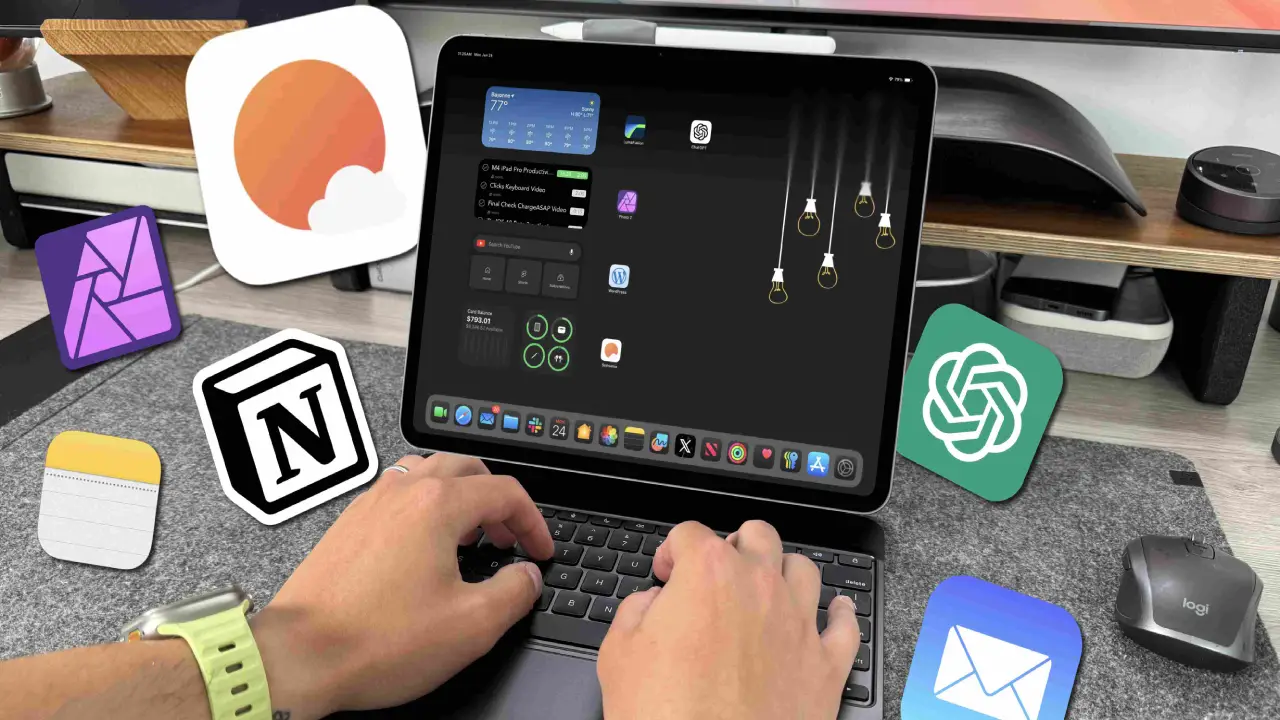
Discover the top productivity apps for iPad Pro M4 users in 2026 for note-taking, multitasking, editing, planning, and professional workflow improvement. The iPad Pro M4 has quickly become one of the most powerful tablets available today. With its fast performance, beautiful display, and support for professional apps, it is no longer just a device for entertainment The top productivity apps for iPad Pro M4 users help improve workflow, save time, and make multitasking easier. Whether you use your iPad for studying, office work, content creation, or planning, the right apps can make a big difference.
In this article, we will discuss the top productivity apps for iPad Pro M4 users.
Table of Contents
Why the iPad Pro M4 Is Great for Productivity
Productivity Apps for iPad Pro M4 is designed for speed and efficiency. Its powerful processor handles multitasking smoothly, allowing users to run multiple apps without lag. The support for Apple Pencil Pro and Magic Keyboard also improves productivity. This makes the device suitable for writing notes, editing documents, drawing, and even video editing. Because of this, many developers are creating apps specifically optimized for the iPad Pro M4.
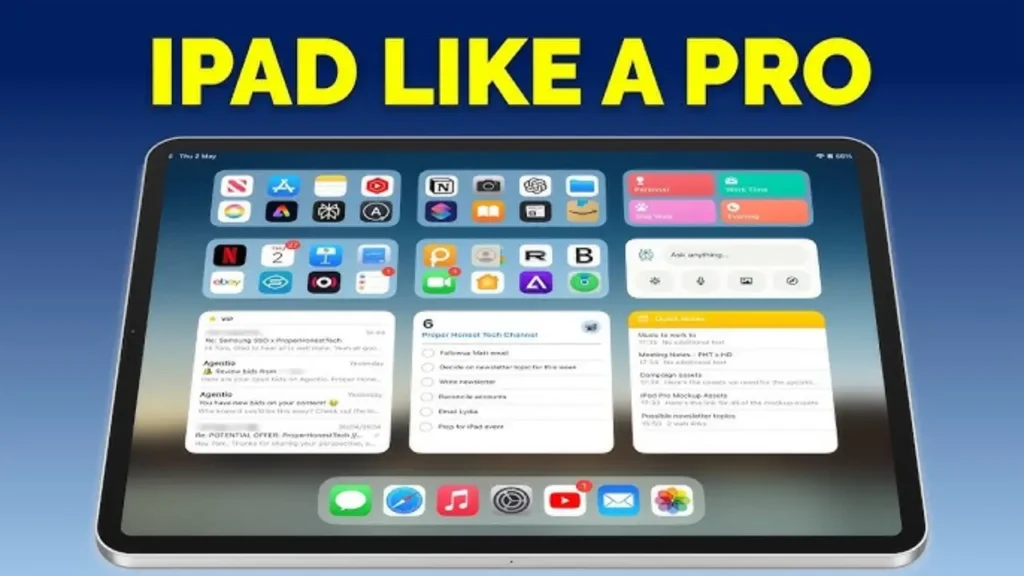
Here Are the Top Productivity Tools for iPad Pro M4 Users
1.Notion
The Notion app is one of the most useful tools among the productivity apps for iPad Pro M4 users It combines note-taking, task management, calendars, and project planning in one place. Students can organize study notes, while professionals can manage projects and workflows easily. The app works smoothly on the iPad Pro M4 and supports keyboard shortcuts for faster navigation.
2.GoodNotes 6
The GoodNotes 6 app is perfect for users who prefer handwritten notes. With Apple Pencil support, users can create notebooks, annotate PDFs, and organize notes efficiently. The smooth writing experience on the iPad Pro M4 display makes digital note-taking feel natural. This app is especially popular among students and professionals who attend meetings regularly.
3.Microsoft OneNote
The Microsoft OneNote app remains one of the most reliable productivity tools for iPad users.it is one of the important Productivity Apps for iPad Pro M4 It allows users to sync notes across devices and organize information into sections and notebooks. The app is useful for office work, study materials, and collaborative projects. Its cloud synchronization feature ensures that files remain accessible from anywhere.
4.Adobe Lightroom
The Adobe Lightroom app is one of the productivity Apps for iPad Pro M4 users who work with photography and content creation. The M4 chip handles photo editing smoothly, allowing users to edit high-resolution images without performance issues. Features like AI editing tools, color correction, and cloud syncing make it a powerful option for creators.
5.LumaFusion
The LumaFusion app is highly recommended for video editing on the iPad Pro M4.it is one the most Productivity Apps for iPad Pro M4 Creators can edit videos, add effects, manage audio tracks, and export high-quality content directly from the tablet. The app takes full advantage of the iPad Pro’s processing power, making mobile video editing much easier.
6.Todoist
The Todoist app is a simple but powerful task management tool And Also Productivity Apps for iPad Pro M4 It helps users organize tasks, set reminders, and manage daily schedules efficiently. Its clean interface works very well on the iPad Pro M4. For users who want a distraction-free productivity app, Todoist is a great option.
7.Apple Freeform
The Freeform app is becoming increasingly popular among iPad users. It allows brainstorming, planning, and visual collaboration on a digital canvas. Users can add sketches, notes, images, and files in one workspace. This makes it useful for students, designers, and team projects.
8.PDF Expert
The PDF Expert app is one of the best tools for handling PDF documents. Users can edit PDFs, sign files, highlight text, and manage documents easily. It is especially useful for office work and academic use. The app performs smoothly on the iPad Pro M4 and supports multitasking features.
9.Things 3
The Things 3 app is another excellent productivity tool. It helps users plan projects, create reminders, and manage goals with a clean interface. Many users prefer it because of its simple design and smooth performance. For iPad users who enjoy minimal and organized workflows, Things 3 is a strong choice.
Why Productivity Apps Matter
The top productivity apps for iPad Pro M4 users help turn the tablet into a complete work and study device. Instead of switching between multiple gadgets, users can manage notes, edit videos, create presentations, and handle office tasks from one device. These apps also improve efficiency by reducing distractions and organizing workflows better.
Also Read ;
Step by Step Guide to Building a Budget Gaming PC for Beginners in 2026
Star Fox Switch 2 Release Date REVEALED: Price, Gameplay, Features & Biggest Upgrades
Best Smartphones with 200MP Camera in 2026
Best Wireless Earbuds for Running and Gym in 2026
Tips for Better Productivity on iPad Pro M4
Using productivity apps effectively is just as important as choosing the right ones. Split View and Stage Manager help users multitask more efficiently. Pairing the iPad with a keyboard also improves workflow speed. Organizing apps into folders and using widgets can save time during daily use.
Final Thoughts
The top productivity apps for iPad Pro M4 users can completely improve the way people work and study. From note-taking and planning to editing and collaboration, these apps help users take full advantage of the iPad’s powerful hardware.
Whether you are a student, creator, or professional, investing in the right apps can make your workflow smoother and more organized.
The best part is that many of these apps are affordable or even free, allowing users to boost productivity at a minimal price.
Which are the top productivity apps for iPad Pro M4 users?
Some of the top productivity apps for iPad Pro M4 users include Notion, GoodNotes 6, Todoist, and LumaFusion.
Is the iPad Pro M4 good for professional work?
Yes, the iPad Pro M4 is powerful enough for professional tasks like video editing, graphic design, multitasking, note-taking, and office work.
Which app is best for note-taking on iPad Pro M4?
GoodNotes 6 is one of the best note-taking apps because of its smooth handwriting support and PDF annotation features.
Which productivity app is best for students?
Notion and Microsoft OneNote are excellent for students because they help organize notes, schedules, and study materials.
Are productivity apps on iPad free?
Many productivity apps offer free versions with basic features, while advanced tools may require a subscription.