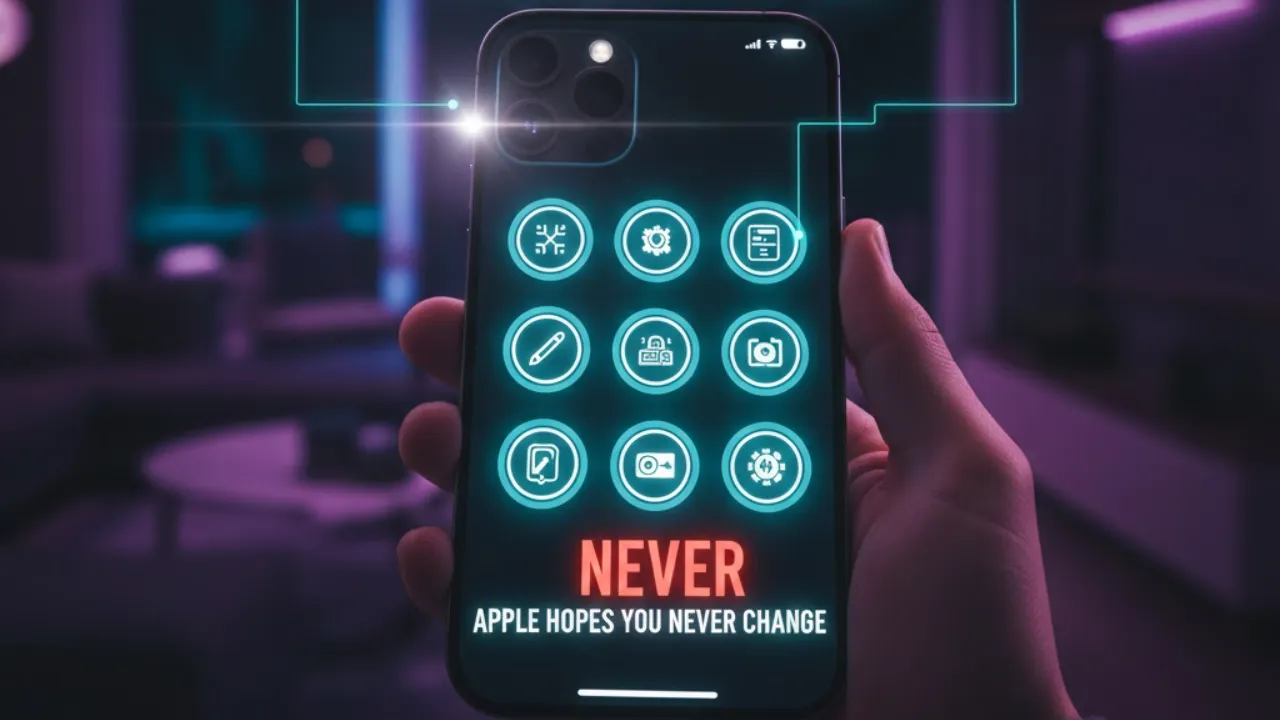
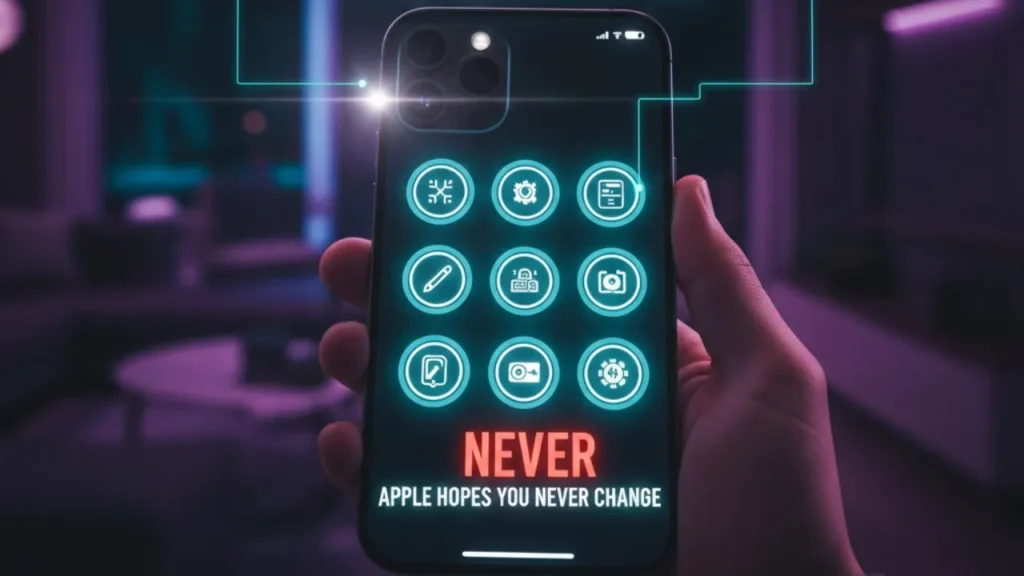
Setting up a new iPhone should make life easier — but Apple’s default settings don’t always deliver the best experience. While they’re designed for a wide range of users, they often ignore personal preferences and leave powerful features underused. A few smart adjustments can boost performance, reduce distractions, and make your iPhone feel truly customized. In a recent video, Stephen Robles highlights several important settings every iPhone user should change.
Home Screen Customization
Your home screen is the command center of your iPhone, and organizing it properly can improve speed and productivity. Start by removing unnecessary home screen pages and keeping only the apps and widgets you actually use. To prevent clutter, enable the “App Library Only” option so new downloads don’t automatically fill your screen. Adding widgets for weather, calendar, or reminders gives you instant information without opening multiple apps. A cleaner layout means faster access and less visual chaos.
Notification Management
Too many notifications can quickly become overwhelming. Turning off notification badges for non-essential apps reduces distractions. You can also group non-urgent alerts into Scheduled Summaries, so they arrive at specific times instead of interrupting your day. Customize alerts per app to prioritize important messages and productivity tools. Smart notification control helps maintain focus while keeping you informed.
Control Center and Lock Screen
Customizing Control Center saves time by placing your favorite tools one swipe away. Add shortcuts like screen recording, flashlight, or low-power mode for quick access. On the lock screen, widgets for calendar events, alarms, or smart home controls let you check key information without unlocking your phone. Quick actions like camera or wallet shortcuts make daily interactions smoother.
Camera and Video Settings
The iPhone camera is powerful, but defaults can limit quality. Switching video resolution to 4K delivers sharper footage. Enabling burst mode with the volume button helps capture fast action. Advanced users can activate ProRAW and ProRes for professional-grade photos and videos. Adjusting live photo and HDR preferences ensures better creative control.
Privacy and Security
Security settings are often overlooked. Restrict access to Control Center and voice assistant when locked to prevent misuse. Enable Face ID for Safari private browsing and review app permissions regularly. Apple’s tracking protection tools add another layer of data privacy.
Shortcuts and Automations
Automations can save hours over time. Assign shortcuts to the Action Button, schedule Do Not Disturb during meetings, or adjust brightness automatically at night. Apps like Widgetsmith and Shortcuts allow deeper customization and smarter routines.
Extra Settings Worth Exploring
Features like uninterrupted Bluetooth audio switching, screenshot preview control, Visual Lookup in photos, SMS syncing across Apple devices, urgent reminders, and call screening quietly improve daily usability.
Safari Adjustments
Safari becomes more user-friendly when tailored to your habits. Move the tab bar to your preferred position, enable Reader Mode for cleaner pages, and protect private browsing with Face ID.
With just a few changes, your iPhone becomes faster, smarter, and more secure — proving that the real power of iOS lies in the settings most users never touch.
Also Read
SteamOS Beta Supercharges Steam Deck Performance — Big Fixes for 1,000+ Game Libraries
ChatGPT 5.3 Codex Just Changed Coding Forever — Here Are 5 Features Developers Can’t Ignore
This Hidden iPad Dock Trick Can Instantly Make Your Tablet Feel Faster