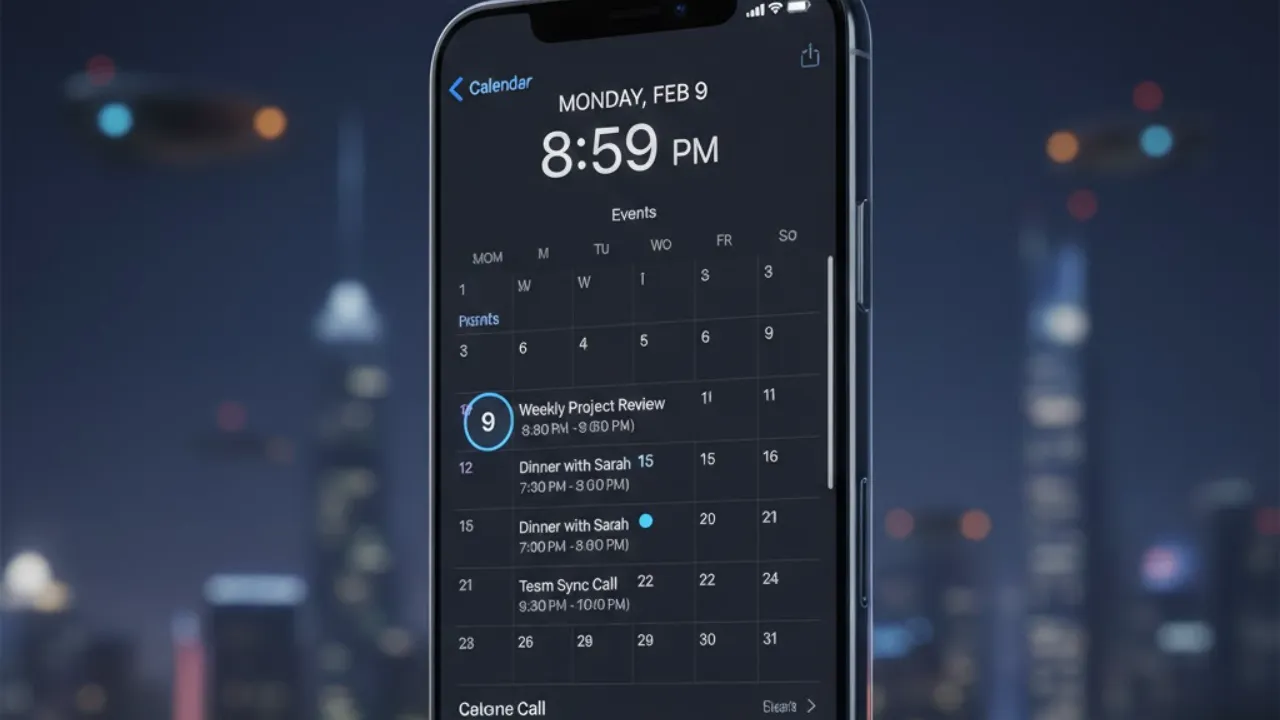
Apple Calendar is more powerful than most people realize. Many users only scratch the surface, using it for simple event tracking while ignoring features that can seriously boost productivity. When used properly, it becomes a central hub for managing your day, coordinating schedules, and staying organized. This guide breaks down essential tips and advanced tools that can help you unlock the full potential of Apple Calendar.
Understanding the Difference: Calendar vs. Reminders
One common mistake is mixing up Apple Calendar and Apple Reminders. They’re both time-management tools, but they serve different purposes. Calendar is best for events tied to specific times, like meetings or travel plans. Reminders are better suited for flexible tasks such as errands or deadlines without fixed time slots.
Keeping these apps separate reduces clutter and allows each one to do its job properly. This simple distinction can instantly make your schedule feel cleaner and easier to manage.
Efficient Navigation and Viewing Options
Apple Calendar includes multiple viewing modes: day, week, month, and year. You can switch views using pinch gestures or menu settings depending on how detailed you want your schedule to appear. Stacked and list views offer a simplified layout for a quick overview.
The search feature is especially useful when handling busy schedules. Enter keywords to instantly find past or upcoming events without scrolling endlessly.
Organizing with Multiple Calendars
Creating separate calendars for work, personal life, and family commitments helps prevent confusion. Color-coding makes it easy to identify events at a glance. Additional tools include custom alerts for each calendar, subscriptions to public calendars like holidays or sports schedules, and calendar sharing for collaboration. You can give others view-only access or editing rights depending on your needs.
Focus Mode Integration
Apple Calendar works with Focus Mode to reduce distractions. During work hours, you can display only professional calendars while hiding personal events. This keeps attention where it belongs and prevents notification overload.
Creating and Customizing Events
Events can include more than just a title and time. Add locations, travel time, alerts, recurring schedules, invitations, and attachments like notes or files. Recurring events can be customized with advanced intervals such as biweekly or monthly patterns, making long-term planning easier.
Managing Time Zones and Quick Event Creation
For global scheduling, time zone override keeps events accurate no matter where you travel. Quick-add features allow event creation from emails, messages, Siri voice commands, or smart suggestions that detect dates automatically. Widgets provide instant access from your home or lock screen so you can add or review events in seconds.
Advanced Tips for Power Users
Drag-and-drop attachments into events, reschedule by dragging entries across the calendar, and rely on Siri for hands-free scheduling. These shortcuts speed up everyday tasks.
Apple Calendar isn’t just a basic planner — it’s a full productivity system. Once you start using its deeper features, managing your time becomes simpler, faster, and far more efficient.
Table of Contents
Also Read
iPhone 18 Pro Max Leaks Just Blew the Lid Off Apple’s 2026 Flagship
Google Just Fixed Productivity — This New Keep + Calendar Sync Changes Everything
iOS 26.3 Is Dropping Today — But Updating Without Doing This First Could Be a Mistake