

You will soon notice a new option inside Samsung Wallet, and this one is made specially for AU Small Finance Bank customers. With the new Samsung Tap & Pay for AU Visa Credit Cards, you can finish payments by just tapping your phone on the machine. No physical card, no swipe, nothing. For now, the update aims to make daily payments fast and smooth. Along with this, it also keeps your AU Visa card safe inside the app without any extra steps.
Also read : Wobble One launches its first made-in-India Android phone for Rs 22,000
Your AU Visa Card Now Lives Inside Samsung Wallet
Once the rollout begins, you can simply add your AU Visa credit card to Samsung Wallet and start using Samsung Tap & Pay for AU Visa Credit Cards instantly. After adding the card, just unlock your phone, take it near any NFC machine, and the transaction goes through in seconds. Along with this, Samsung Wallet hides your actual card number during payments, giving you a safer experience every time. Overall, Samsung Tap & Pay for AU Visa Credit Cards makes payments quicker and trouble-free.
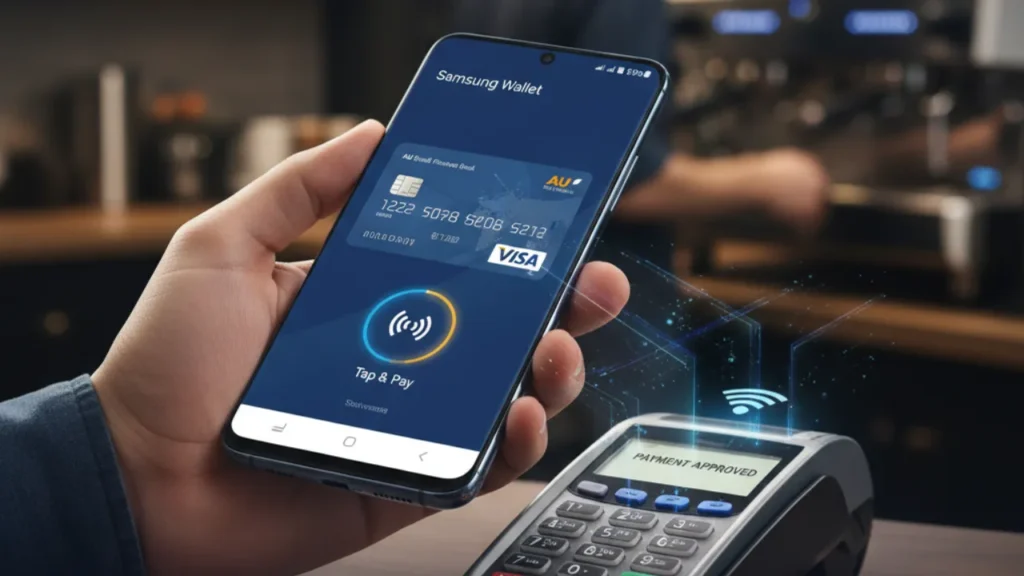
Samsung and AU Bank Join Hands for Smarter Payments
Samsung and AU Small Finance Bank have partnered to bring this new tap-to-pay support for AU Visa users. With Samsung Tap & Pay for AU Visa Credit Cards, the company is trying to make mobile payments more practical for everyday use. For now, the idea is simple — carry your phone, not your card. This partnership also helps Samsung Wallet grow as a digital payment tool, especially for users who prefer paying directly from their phone without handling plastic cards.
Also read : OnePlus Ace 6T Coming This Month: Powerful Snapdragon 8 Gen 5 Chip Confirmed
Add Your AU Visa Card and Start Paying in Seconds
When the update reaches your device, just open Samsung Wallet and look for the option to add your AU Visa credit card. After completing the on-screen steps, Samsung Tap & Pay for AU Visa Credit Cards will be active on your Samsung phone. For now, make sure your wallet is updated so you don’t miss the new feature. Once it’s enabled, payments become as simple as tapping your phone on the machine — fast, easy, and card-free.
Also read
WhatsApp beta for iOS 25.34.10.71: What’s New in This Update
Google AI Mode travel planning: Now Trip Planning Will Look Simpler and Clear