
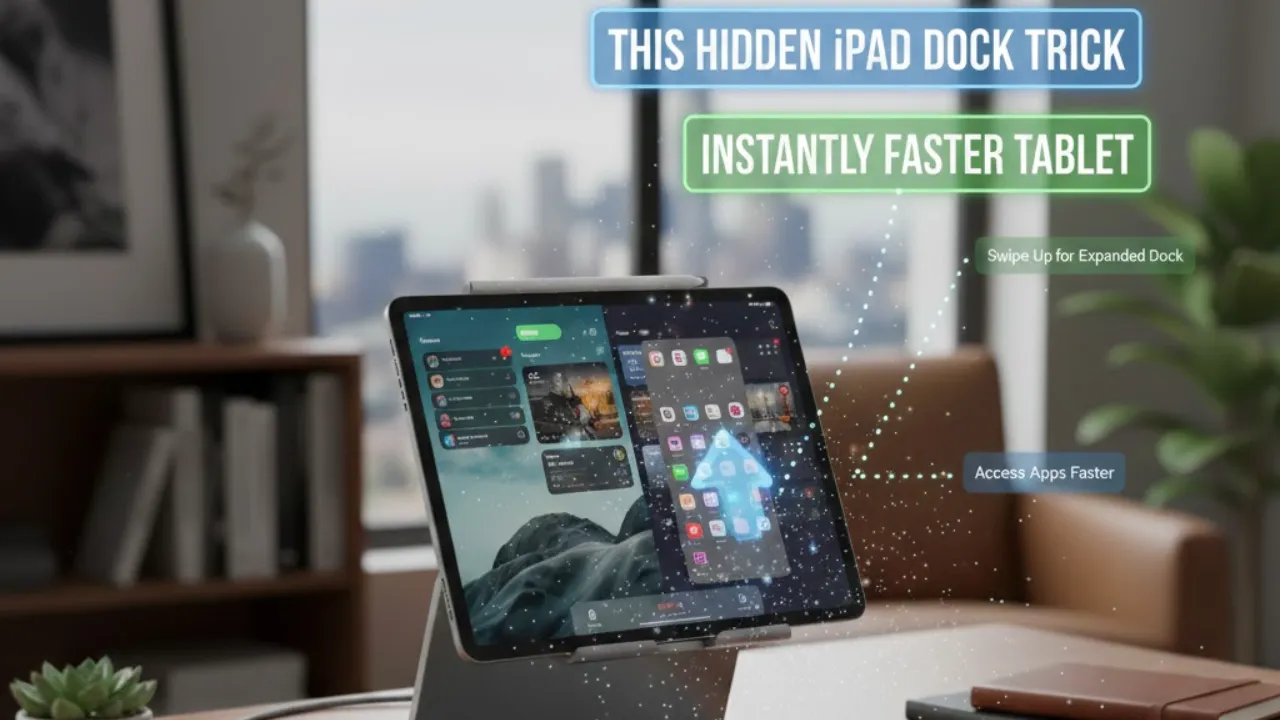
Have you ever wondered how much time you lose just jumping between apps on your iPad? A poorly set-up dock might be slowing you down more than you think. According to Dan’s Tutorials, the iPad dock isn’t just a strip of icons — it’s a powerful productivity tool that can reshape how you use your device every day. With a few smart tweaks, it can boost multitasking, reduce clutter, and make your workflow smoother, whether you use your iPad casually or for work.
This guide breaks down how to customize your dock so it actually works for you. From organizing apps into folders to enabling features like the App Library and Recent Apps, small changes can make your iPad feel more intuitive and efficient. And the best part? It only takes a few minutes to set up.
Optimizing Your iPad Dock
The dock gives you instant access to your most important tools. Adding apps is simple: press and hold an app icon until it wiggles, drag it into the dock, and drop it where you want. Because space is limited, it’s smart to prioritize everyday essentials like email, calendar, or note apps. A clean, focused dock means less scrolling and faster access.
Decluttering is just as important. If your dock feels crowded, remove apps by holding the icon and dragging it back to the home screen. Regular cleanup keeps the dock functional instead of chaotic.
Use Folders to Save Space
Folders are a game-changer for dock organization. Drag one app onto another to create a folder, rename it, and move it into the dock. Even though folder names don’t appear in the dock, recognizable icons help you spot them quickly. Grouping apps like work tools, social media, or editing apps keeps everything tidy without wasting space.
Understanding Favorites and Recent Apps
The dock is split into two sections. The left side shows your favorite apps, while the right side displays recently used apps, separated by a vertical line. You can customize this in Settings > Home Screen & App Library. Turning off Recent Apps gives you more room for pinned favorites. You can also enable the App Library in the dock to quickly browse all apps without cluttering your home screen.
Multitask Without Breaking Focus
One of the dock’s best features is that it’s available inside apps. A small swipe up from the bottom reveals it instantly. You can switch apps, drag text or images between apps, and multitask without closing what you’re doing.
The iPad dock isn’t just cosmetic — it’s the control center of your workflow. A few thoughtful adjustments can turn your iPad into a faster, cleaner, and more personalized device. Sometimes the smallest setup change delivers the biggest daily payoff.
Also Read
Claude Opus 4.6 Just Changed AI Forever — And It Can Run Entire Teams Without Humans
Steam Machine Is Finally Coming? Valve Targets Mid-2026 Launch, Price and Features Revealed
Upload One Video, Get 100 Shorts Overnight — This AI Tool Is Breaking YouTube Workflows