
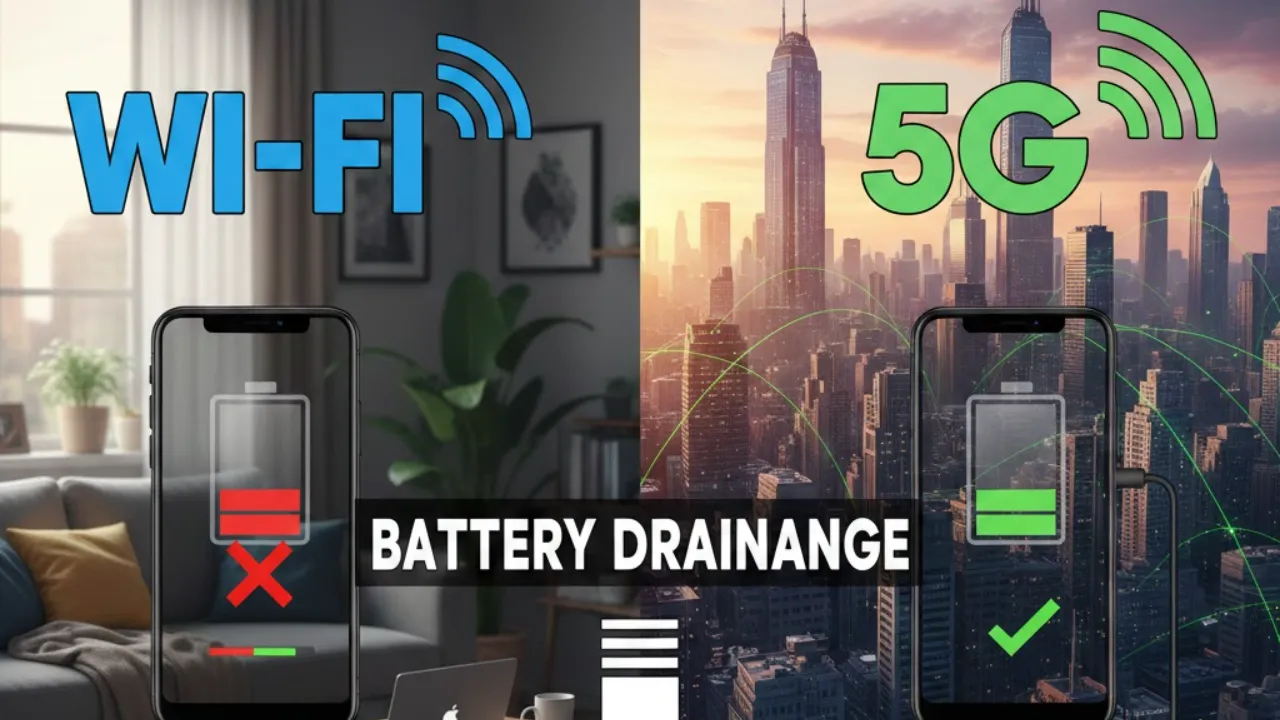
Your phone’s battery life isn’t just about screen brightness or app usage — your network connection plays a huge role too. Choosing between Wi-Fi and 5G can quietly change how fast your battery drains. Each network works differently, and understanding those differences can help you stretch your battery further every day. A recent comparison by PhoneBuff highlights how Wi-Fi and 5G stack up in real-world usage.
What Actually Drains the Battery?
Wi-Fi is usually more energy-efficient because it connects to a nearby router. That short-range connection requires less power to stay stable. 5G, on the other hand, depends on distant cell towers, constant signal switching, and multiple radios running at once to maintain high speeds. All of that demands more energy — especially when large amounts of data are involved.
Several key factors influence how much power your phone uses:
- Signal strength: Weak signals force your phone to work harder
- Modem efficiency: Older phones drain faster on 5G
- Usage habits: Streaming and video calls amplify power differences
Knowing these variables helps you choose the most battery-friendly option in different situations.
Wi-Fi vs 5G in Everyday Use
Battery tests across common smartphone activities reveal clear trends:
- Phone calls: Nearly identical battery usage
- Messaging: Minimal difference; 5G slightly ahead within margin of error
- Video calls: Wi-Fi used 17% less battery
- Web browsing: Wi-Fi was 4% more efficient
- Social media scrolling: Wi-Fi saved 3% battery
- Video streaming: Wi-Fi delivered a huge 25% advantage
The pattern is clear — Wi-Fi becomes increasingly efficient as data usage rises. Streaming and video calls show the biggest gap.
Standby and Background Tasks
When your phone sits idle, the difference between Wi-Fi and 5G is small. In some tests 5G even performed slightly better, though the margin was tiny. For background tasks like app syncing and notifications, Wi-Fi still tends to consume less power when connected to a strong router.
Device Age and Signal Strength Matter
Older phones show a bigger battery gap. Devices like the iPhone 12 Pro Max struggle more with 5G efficiency compared to newer models such as the iPhone 17, which use advanced modem technology.
Signal quality is just as important. A strong 5G connection can reduce extra battery drain. But weak 5G coverage forces your phone into overdrive, quickly eating battery. Wi-Fi is generally more stable if you’re close to the router.
How to Save Battery Daily
If you want longer battery life:
- Use Wi-Fi for streaming and video calls
- Avoid weak 5G areas when possible
- Keep your phone updated
- Consider upgrading older hardware
Wi-Fi wins in most high-data situations. 5G is convenient, but when battery life matters, switching to Wi-Fi can make a noticeable difference. Understanding when to use each network helps you get the most out of every charge.
Also Read
This 16TB Cloud Killer Lets You Ditch Google Drive Forever — No Subscription Needed
This €29 IoT Board Might Replace Every ESP32 You Own — Meet CodeCell C6
Google’s Secret Gemini 3 Pro Leak: 5 Hidden AI Models, One Already Pulled