
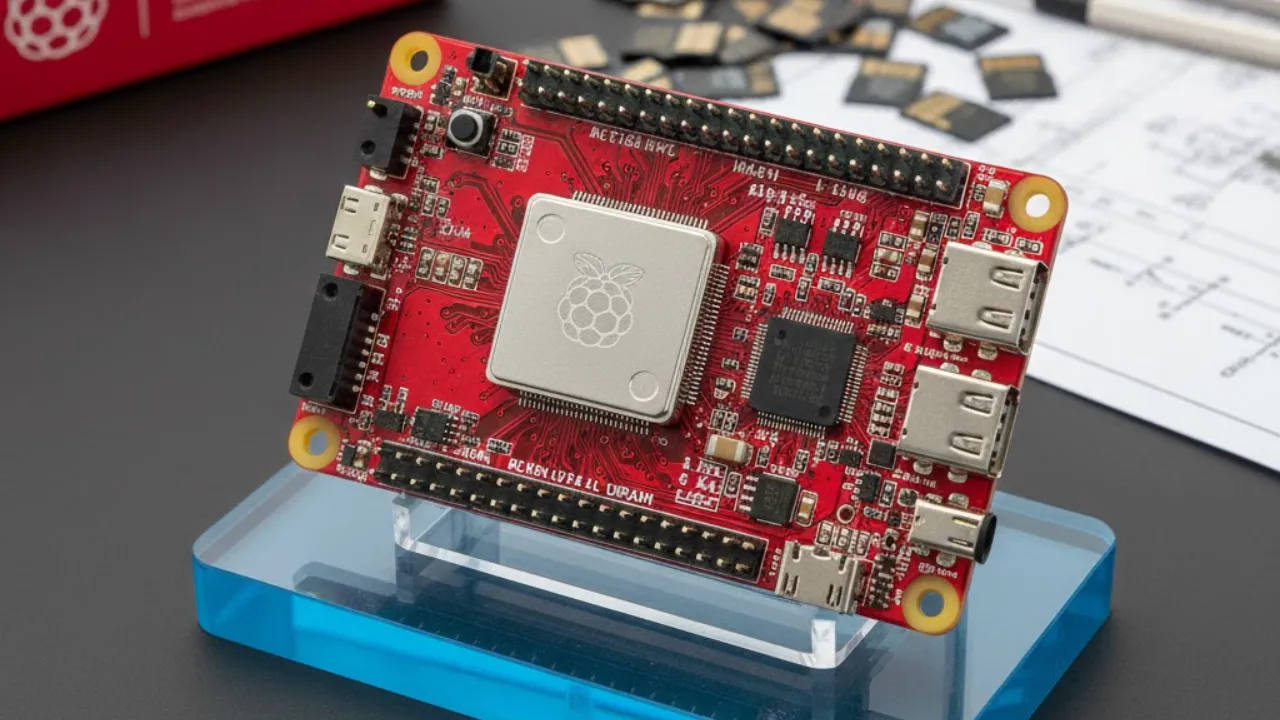
What if you could access all your files from anywhere in the world without trusting big tech companies or paying monthly cloud fees? That’s exactly what Enrique Neyra demonstrates by turning a Raspberry Pi 5 into a powerful private cloud storage system using NextCloud and TailScale. This setup gives you full control over your data, stronger privacy, and reliable access — all without relying on third-party cloud services.
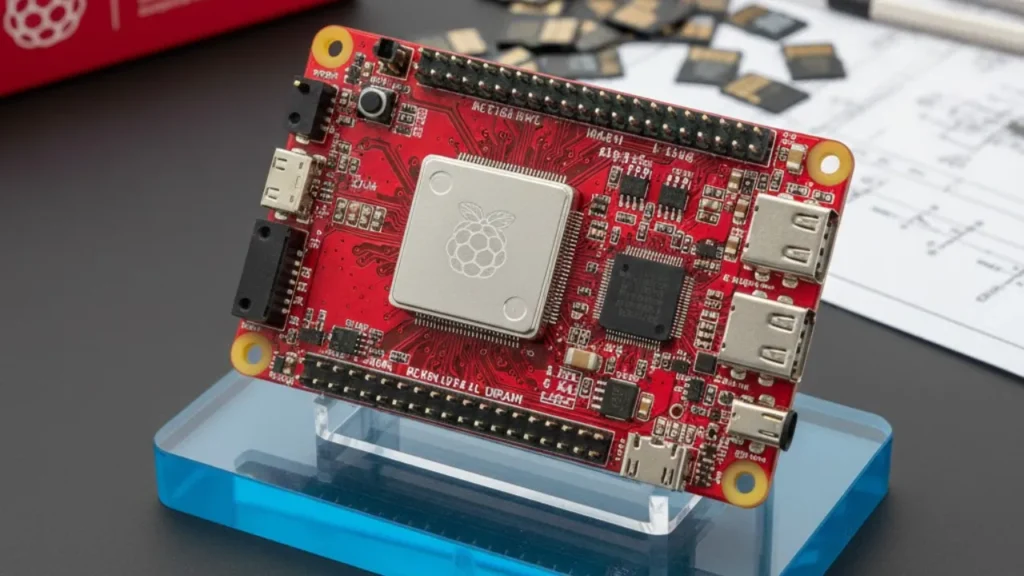
Instead of uploading your personal files to external servers, this solution keeps everything stored locally while still letting you access it remotely. The result is a secure, cost-effective, and surprisingly simple private cloud that puts you back in charge of your digital life.
Why Build a Private Cloud with Raspberry Pi 5?
Creating your own cloud storage comes with several clear advantages. First, you completely eliminate recurring subscription costs that come with services like Google Drive or Dropbox. Your data stays on your own hardware, reducing concerns around privacy breaches, data tracking, or sudden service shutdowns.
This setup also supports file syncing across multiple devices. You can access your files through a web-based dashboard or directly from your computer or phone’s file system. Whether you’re managing personal documents, media files, or work data, the flexibility makes it suitable for both personal and professional use.
How the System Works
At the heart of the setup is the Raspberry Pi 5, which acts as your private server. NextCloud provides the cloud software, offering features similar to commercial services — file storage, syncing, sharing, and user management. TailScale handles secure remote access, allowing you to connect to your cloud from anywhere without exposing your network to the internet.
To boost performance, the system uses fast NVMe storage instead of traditional SD cards. This ensures quicker file transfers, smoother syncing, and better overall responsiveness.
What You’ll Need to Get Started
Building this private cloud doesn’t require a huge investment, but the right hardware is important. The Raspberry Pi 5 with 4GB RAM is recommended for smooth performance, though higher RAM models work well for heavier usage. An active cooling fan helps keep temperatures under control during continuous operation.
You’ll also need a microSD card for installing the operating system, along with an M.2 NVMe drive for high-speed storage. A Pi 5 NVMe HAT connects the drive to the board, while an optional bumper case adds physical protection. Finally, a 27W USB-C power supply ensures stable and reliable power delivery.
A Cloud That’s Truly Yours
By combining Raspberry Pi 5, NextCloud, and TailScale, you get a fully customizable private cloud that works on your terms. It’s secure, affordable, and scalable — and best of all, it puts your data back where it belongs: under your control.
Also Read
iPhone 17 Pro Max vs iPhone Air — The Winner Isn’t Who You Expect
Hidden Apple Calendar Tricks That Can Completely Fix Your Schedule
Samsung’s Galaxy Buds 4 Leak Shows Big Upgrades — But One Design Change Is Stealing the Spotlight