
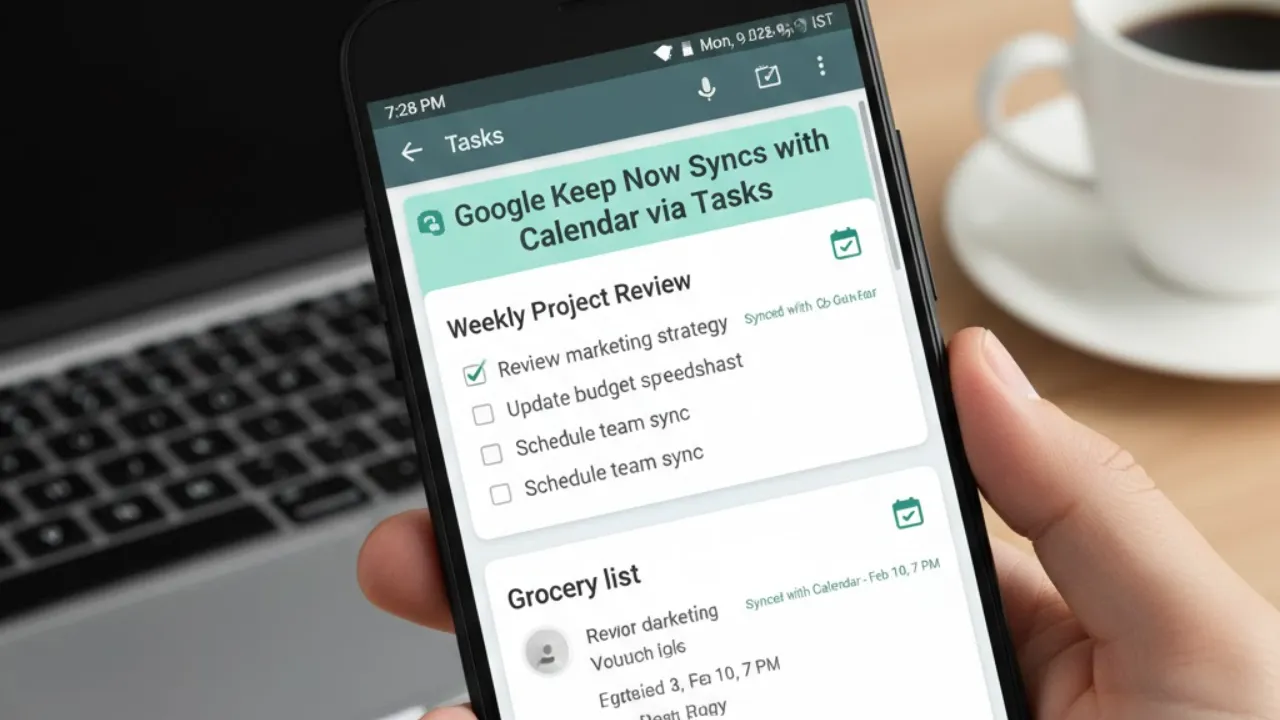
Ever wish your notes, reminders, and calendar could finally work together without bouncing between apps? Google’s latest update may be the solution many users have been waiting for. In a walkthrough shared by Productive Computer Systems, the company’s new integration connects Google Keep, Google Calendar, and Google Tasks into one smooth workflow. The result is a unified scheduling system that automatically links your notes with your calendar. Write a reminder in Google Keep, and it now appears in your calendar with a direct link back to the original note — no extra steps required.
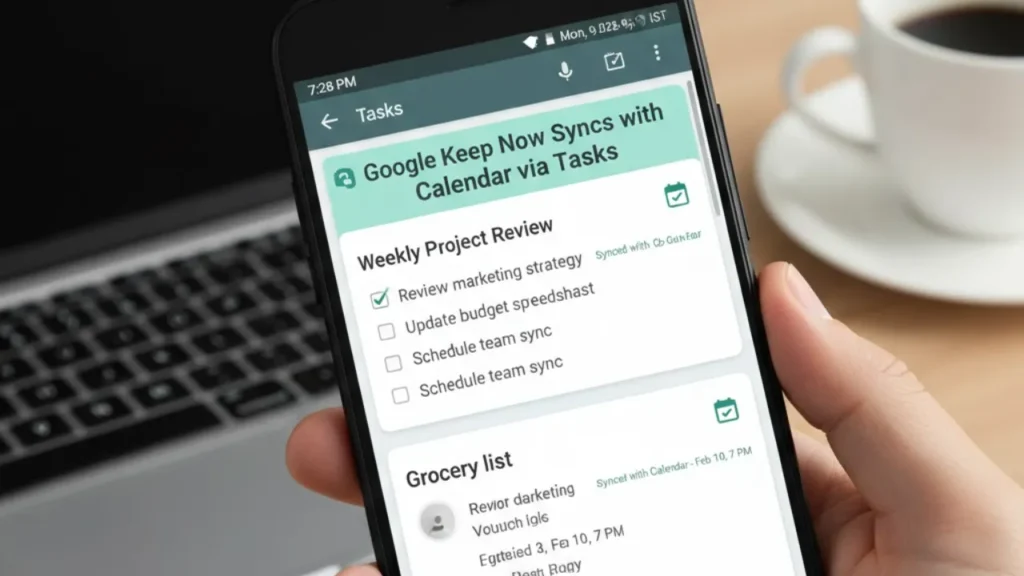
This update isn’t a small tweak. It’s a meaningful upgrade for anyone trying to simplify daily planning. By removing the need to manually copy tasks or jump across apps, Google is making productivity feel more natural. Whether you’re tracking personal errands or professional deadlines, the experience is now more connected and less time-consuming.
Key Features of the Integration
The updated system introduces several tools designed to make everyday task management easier. Reminders created inside Google Keep automatically sync with Google Calendar through Google Tasks, ensuring your schedule always reflects your latest notes. Tasks generated in Keep appear directly on your calendar, complete with clickable links back to the original note for quick reference.
This interconnected setup cuts down manual work and keeps everything aligned. Your notes, reminders, and events stay synchronized, saving time and reducing the risk of forgetting important details.
Enhanced Task Management
The update also brings smarter control over reminders. Users can now set highly customizable alerts in Google Keep with specific dates, times, and repeat schedules — daily, weekly, monthly, or yearly. Once synced, tasks can be tracked directly from Google Calendar. Marking a task as complete takes just one click, making progress tracking effortless.
By bridging note-taking and scheduling, Google has created a more intuitive system for handling responsibilities across work and personal life.
Why Google Keep Still Stands Out
Google Keep remains a favorite because of its flexibility. It supports formatted text, image attachments, and collaborative editing, making it useful for everything from grocery lists to project planning. Features like color-coded notes and powerful search tools help users stay organized, while its lightweight design keeps the interface fast and simple.
Benefits and Rollout Details
The integration improves accessibility by linking detailed notes directly to calendar events. Meeting notes, reminders, and deadlines are now easier to access without switching apps. Desktop notifications have also been improved, removing earlier mobile-only limitations. With all tools connected in one place, users can manage their workflow more efficiently.
The feature is rolling out gradually to all users and doesn’t require a special account or subscription. By reviving and improving a previously removed feature, Google has delivered a more practical and cohesive productivity system that works across its ecosystem.
Table of Contents
Also Read
iOS 26.3 Is Dropping Today — But Updating Without Doing This First Could Be a Mistake
Realme Narzo 80 Lite – Budget Smartphone with Big Battery and Smooth Performance
Realme 16 Air – Slim Design, Smooth Performance and Long Battery Life