
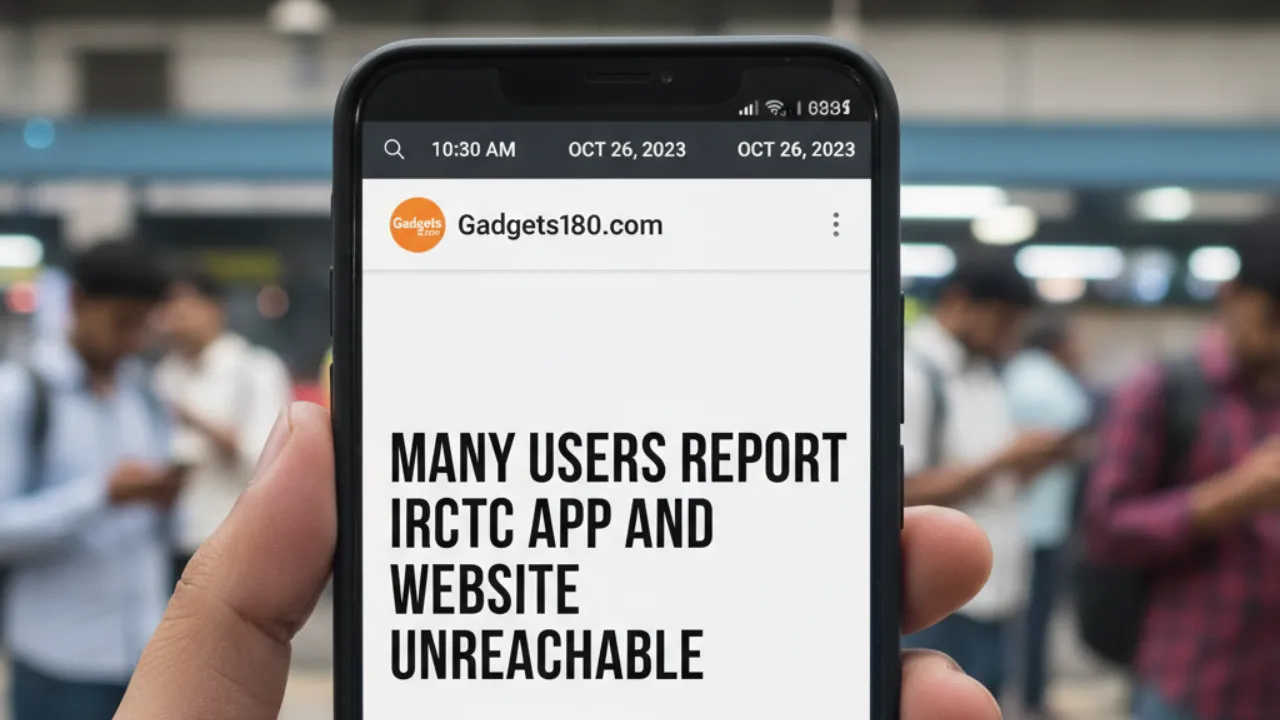
Many users across India took to social media platform X (formerly Twitter) to report that they were unable to log in to the IRCTC app or website while trying to book train tickets. According to Downdetector.com, around 51% of the complaints were about the IRCTC mobile app and 46% about the IRCTC website, suggesting that both platforms were facing technical issues.
While several users struggled to access the services, others reported that the app was functioning normally. ET Wealth Online’s correspondent tested the IRCTC Rail Connect Android app (version 4.2.46) on a 4G mobile network at 1:09 PM and confirmed that it was working fine without any noticeable issues.

IRCTC Responds to User Complaints
Responding to multiple user complaints, the Indian Railway Catering and Tourism Corporation (IRCTC) issued a clarification on October 25, 2025, at 3:08 AM via X. The official handle stated:
“Sir, https://irctc.co.in/nget/train-search and Railconnect app is working fine. Kindly clear browsing history and cache and try again. If the issue still persists, please raise it on https://equery.irctc.co.in/irctc_equery/login using your registered mobile number or email ID along with an error screenshot or short video.”
The post further guided users to use the IRCTC eQuery interface to submit and track queries online, ensuring faster support.
For any issues related to ticket booking, cancellations, or TDR filings, passengers can reach out through the following channels:
- Email: etickets@irctc.co.in
- Helpline (Within India): Dial 14646
- Customer Support (Outside India): +91-8044647999 / +91-8035734999
- Online Queries: https://equery.irctc.co.in/
Support is available in 12 Indian languages, including Hindi, English, Punjabi, Bengali, Assamese, Odia, Marathi, Gujarati, Tamil, Telugu, Kannada, and Malayalam.
Offline Booking Still Available
If the app or website isn’t working for you, IRCTC advises passengers to visit the nearest Railway PRS counter to book train tickets offline. This option remains open to ensure that travelers don’t miss out on crucial bookings — especially during peak Tatkal hours.
Users Vent Their Frustration on Social Media
Several users on X expressed their frustration over recurring technical glitches, particularly during Tatkal ticket booking hours.
Anurag Rana (@dranuragrana) wrote:
“The situation for common people trying Tatkal booking on the IRCTC app is the same. The app slows down, counters are crowded, and middlemen take advantage. Despite all promises, the problem remains the same. @RailMinIndia @AshwiniVaishnaw @IRCTCofficial @RailwaySeva”
Another user, Research Scientist (@researcher0503), complained:
“Dear @AshwiniVaishnaw Ji, I logged on to the IRCTC website for Tatkal booking. At sharp 10:01 am, the server was unreachable and kept showing the same message. At 10:09 am, it said ‘regret’. Despite all measures, why can’t an ordinary passenger book a ticket smoothly?”
Amit Awasthi (@AmitAwa28002879) echoed similar sentiments, writing:
“Dear Sir, this is the condition of the IRCTC app during Tatkal time. You people have been ignoring this issue for a long time.”
These repeated complaints indicate that while the IRCTC system handles millions of daily transactions, it still struggles to manage high-traffic moments like Tatkal bookings.
Common Questions About the IRCTC App
Q1. What if my IRCTC mobile app gets locked?
If your IRCTC mobile app gets locked after three consecutive incorrect PIN entries, you’ll see a message saying “Your IRCTC mobile is locked.” Here’s how to unlock it:
- Call IRCTC customer care and request an unlocking code.
- Provide verification details to confirm your identity.
- You’ll receive an unlocking code via SMS or email.
- Open the app, select ‘Unlock’, and enter the code.
- Set a new PIN and connect to the server.
- Once verified, your IRCTC mobile app will be successfully unlocked.
Final Word
IRCTC says its systems are working smoothly, but many users still report occasional login and ticket booking problems, especially during peak booking hours. These temporary glitches can make it difficult to access accounts, complete payments, or confirm train tickets on time. If you are facing similar issues on the IRCTC website or app, you can try clearing your browser cache and cookies, refreshing the page, or logging in again after some time.
Users can also try switching to another browser or device if the problem continues. For urgent bookings, passengers can visit the nearest PRS counter to book tickets offline. If the issue is related to failed payment, login error, or booking failure, users can also raise a complaint through the official IRCTC eQuery platform for support.